Official App Domain • calltheclock.net

Run Poker Tournaments Like a Pro.

Call The Clock is the complete tournament management suite built for home games, poker clubs, and leagues. Featuring precision blind timing, audio voice alerts, automated table balancing, multi-device screen sync, and cloud lobby tracking.

100%
Free & Customizable
Wi-Fi
Multi-Screen Sync
Cloud
Club & League Standings
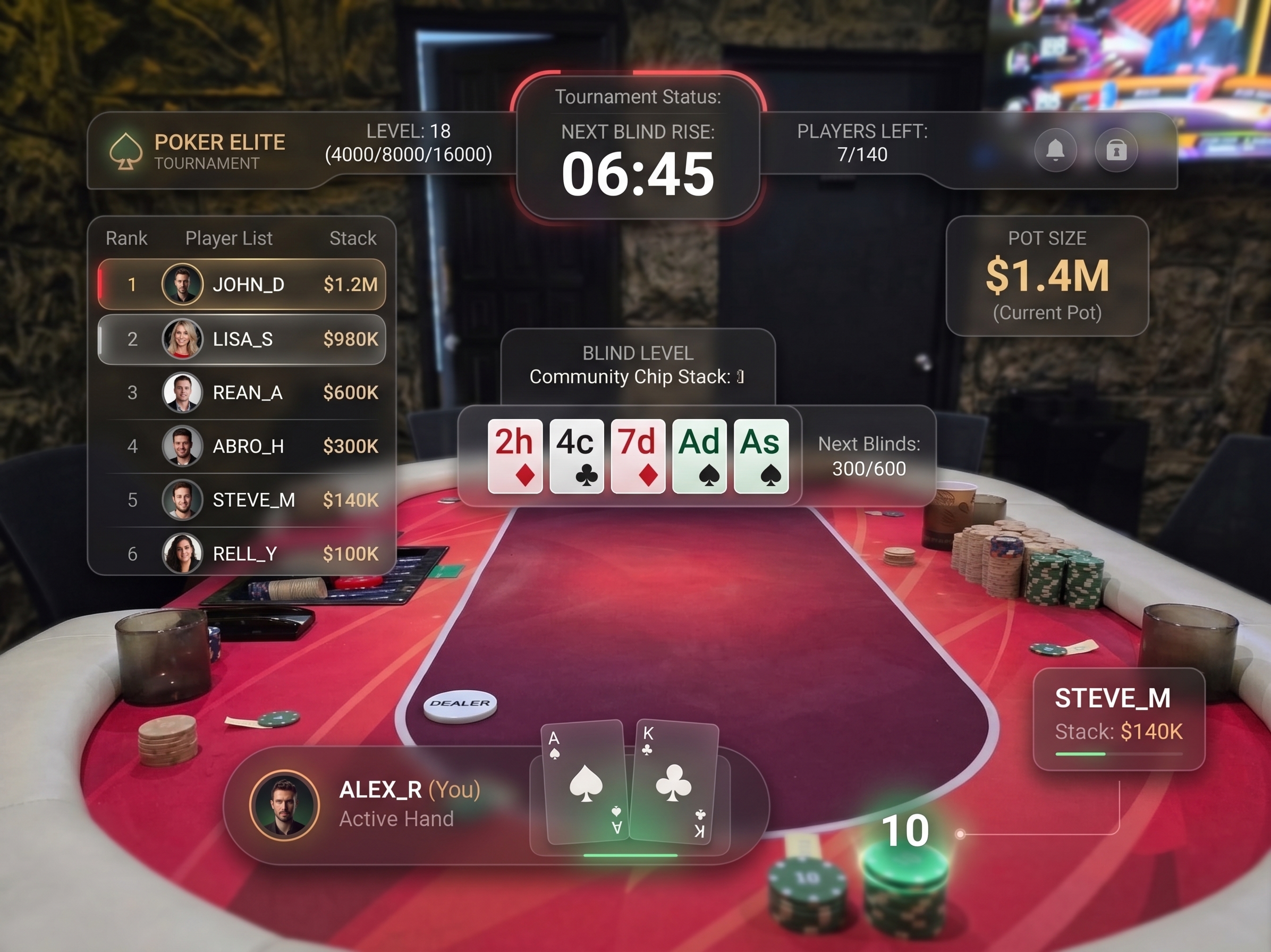
Call The Clock Poker Tournament App Preview
Live Room Clock
Synced to calltheclock.net
Interactive Simulator

Test the Call The Clock Engine

Try out the live tournament timer, sound chime alerts, chip math calculators, and table seating draw controls directly in your browser.

LEVEL 1
15:00
25 / 50
Next: 50 / 100 (Ante 10) Active Players: 16 / 16 Avg Stack: 10,000
Standard Tournament Chip Colors & Stack Values
$25
Green
8 Chips ($200)
$100
Black
8 Chips ($800)
$500
Purple
6 Chips ($3,000)
$1,000
Red
6 Chips ($6,000)
Full Feature Suite

Built for Serious Poker Hosts

Everything you need to host flawless poker tournaments, from quick 4-player sit-and-gos to multi-table league seasons.

Precision Blind Clock

Fully customizable level durations, ante configurations, break timers, and level progression rules with voice alert sounds.

🔀

Seating & Table Balancing

Random seat draws with verified audit trails, multi-table breakdown management, and real-time table balancing alerts.

📡

Multi-Screen Network Sync

Broadcast live tournament clock to big screen TVs, tablets, and mobile spectator devices over local Wi-Fi.

☁️

Cloud Clubs & RSVPs

Create private poker clubs backed by Firebase, schedule upcoming events, track RSVPs, and chat with members.

🏆

League Leaderboards

Track season rankings, player win rates, head-to-head records, and historical archives with automatic standings export.

🎨

Custom Display Themes

High-contrast room clock views for projectors, detailed director mode, player focus modes, and custom color presets.

Host Assistant

Quick Tournament Utilities

Utility tools designed for fast access during home game night.

🎯 Recommended Blind Structure

Standard 15-minute level structure recommended for 10,000 starting stacks:

Level 125 / 50
Level 250 / 100
Level 375 / 150 (Ante 25)
Level 4100 / 200 (Ante 25)
☕ 10m BreakChip Race $25
Level 5150 / 300 (Ante 50)

🌐 Official Domain Status

This web portal is configured for deployment on Cloudflare domain:

https://calltheclock.net
Cloudflare DNS & Free SSL Ready

Connect your desktop app or mobile browser directly to calltheclock.net for instant tournament sync.

Cloudflare Setup Guide

Deploying to calltheclock.net

If you saw an error like "'can' is not recognized as an internal or external command", that happens when natural language text is typed directly into a Windows terminal prompt. Here is how to easily host your site on Cloudflare Pages without terminal errors:

1

Log in to Cloudflare

Go to your Cloudflare Dashboard and select Workers & Pages on the left menu.

2

Create Pages Project

Click Create ApplicationPages → Select Upload Assets or connect GitHub.

3

Upload Web Folder

Drag and drop the website folder from this project containing index.html, styles.css, and script.js.

4

Assign Custom Domain

Under Project Custom Domains, add calltheclock.net. Cloudflare auto-updates DNS & SSL!